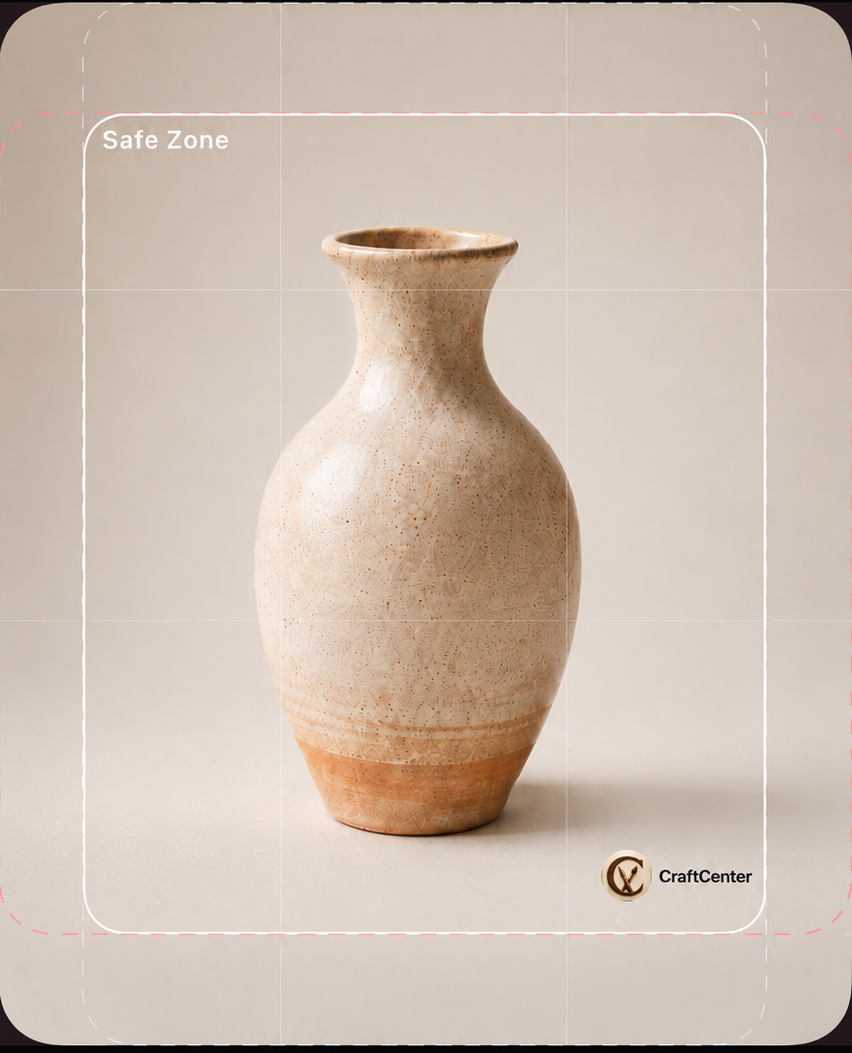
Compose the photo the way you want it before you tap the shutter.
Product photos are harder to match when every shot starts from scratch. Camera Overlays helps Etsy sellers place custom logo overlays, overlaid text, and product alignment guides while the product is still in the camera view.
Save overlay sets, adjust opacity and position, and reuse the setup across photo sessions so similar products keep the same spacing, branding, and shot style. That can reduce reshoots and cut down on editing after the photo is taken.
Logo and text placement
Place a logo or text overlay while composing the shot instead of trying to line it up later.
Seeing the mark in the camera view makes it easier to keep branding consistent from one listing photo to the next.
Saved overlay sets
Save reusable overlay sets for the product lines, angles, or branding layouts you shoot most often.
Opacity and position controls help the overlay guide the shot without getting in the way of the product.
Alignment while shooting
Product alignment guides make it easier to repeat spacing, crop room, and placement across similar products.
That means fewer late fixes after capture and a faster path from photo session to listing update.